
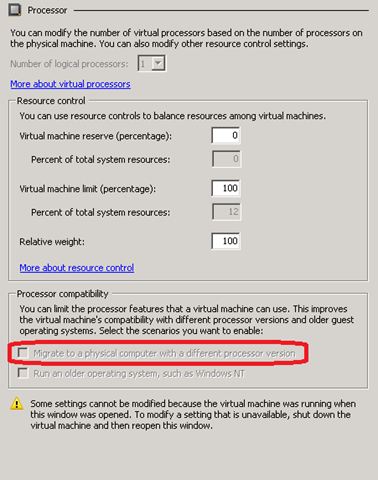
I found this trick by accident – If the ‘Migrate to a Physical Computer With A Different Processor Version’ is not checked in the processor settings. Hyper-V virtual machine will refuse to live migrate to another host, even the two hosts have identical processors.
The error message for this is ‘Virtual machine MOVING-VM is using processor-specific features not supported on host DESTINATION. To allow for migration of this virtual machine to a server with a different processor, modify the virtual machine settings to limit the processor features used by the virtual machine.’
 Jackie Chen's IT Workshop