
Continue with the Session Manager over PrivateLink, another good use case for session manager is port forwarding. Here is a quick demo:
First, login into the EC2 instance with session manager to install a Apache server
# Install Apache
sudo yum -y install httpd
# Start Apache web server
sudo systemctl start httpd
# Ensure port 80 is listening
sudo lsof -i:80
Second, start port forwarding from your local machine
# Forward local port 9999 to remote 80
aws ssm start-session --target i-056c42260973xxxxx --document-name AWS-StartPortForwardingSession --parameters '{"portNumber":["80"],"localPortNumber":["9999"]}'
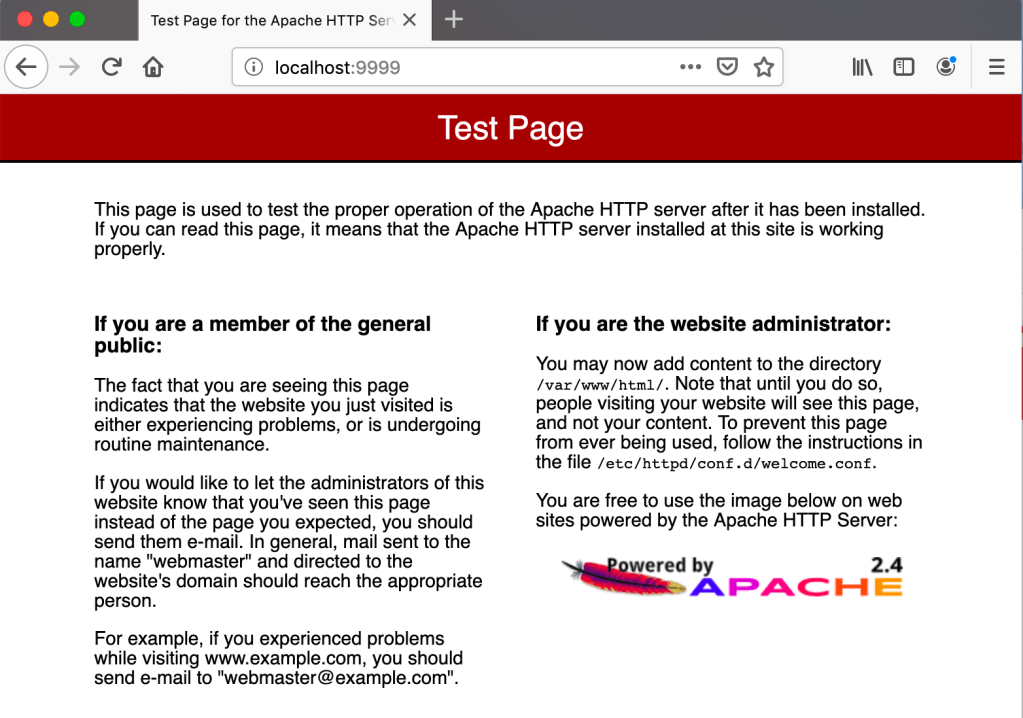
Third, check http://localhost:9999. WooHoo~
 Jackie Chen's IT Workshop