
1) Install Splunk. In my example, I use Linux as the Splunk server.
rpm -i splunk-4.3.4-136012-linux-2.6-x86_64.rpm
/opt/splunk/bin/splunk start
2) Go the web server http://dev-linux-01:8000 to open the TCP and UDP 514 port.


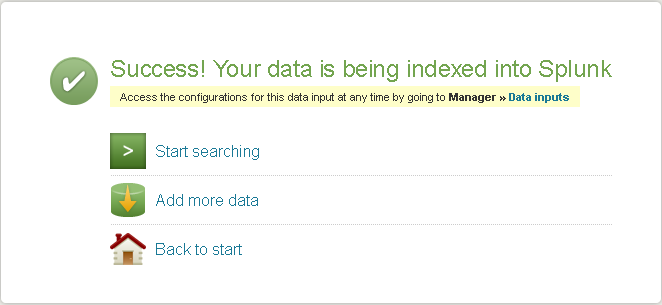
Do the same to open UDP port 514.
3) Login to the ESXi host to configure the remote syslog host.
esxcli system syslog config set --loghost='tcp://dev-linux-01:514'
Confirm the settings has been changed:
esxcli system syslog config get
Default Rotation Size: 1024
Default Rotations: 8
Log Output: /vmfs/volumes/4f7ac000-74fed078-3c5d-5cf3fcad2d4a/Logs
Log To Unique Subdirectory: true
Remote Host: tcp://dev-linux-01:514
Open the outgoing port in firewall:
esxcli network firewall ruleset set –ruleset-id=syslog –enabled=true
esxcli network firewall refresh
Reload the syslog settings:
esxcli system syslog reload
Now you should be able to see the syslog coming from ESXi host in Splunk.

NOTE: ESXi uses UTC in log time stamp.
 Jackie Chen's IT Workshop