
Introduction
Everyone talks about GenAI those days, so I created the project PHC to gain some GenAI skills. The idea is to create a simple application which uses LLM to analyse Apple health data then make recommendations.
Data

If you are interested to use your own data, here is the instruction: the data is stored in the devices (iphone, ipad), so you need to export the data first (Open Health app, tap on the top right user icon, select Export Health Data), then download the exported data to your computer. Once you have the data, copy export.xml to data folder, then use the notebook process_data.ipynb to sanitize it and export to csv files. If you are interested to do some discovery against the data, use analyze_data.ipynb to explore it.
Apple Health app collects health and fitness data from your iPhone, iPad, the built-in sensors on your Apple Watch, compatible third-party devices and apps that use HealthKit. The repository includes sample workout data and record data that you can play with.
Backend Framework

LangChain is an open source framework for developing applications powered by language models. It provides:
- Components – abstractions for working with language models, along with a collection of implementations for each abstraction.
- Off-the-shelf chains – a structured assembly of components for accomplishing specific higher-level tasks.
Frontend Framework

Streamlit is an open source framework that can turn data scripts into shareable web apps in minutes. It is all in pure Python, so no front‑end experience required.
Installation
It is recommended to use python 3.10+ with virtual environment.
cd PHC
python -m venv .venv
source .venv/bin/activate
pip install -r src/requirements.txt
Usage
Make a copy of .sample_env file, and name it .env, then add your OpenAI API key in OPENAI_API_KEY. If you don’t have one, you need to register with OpenAI.
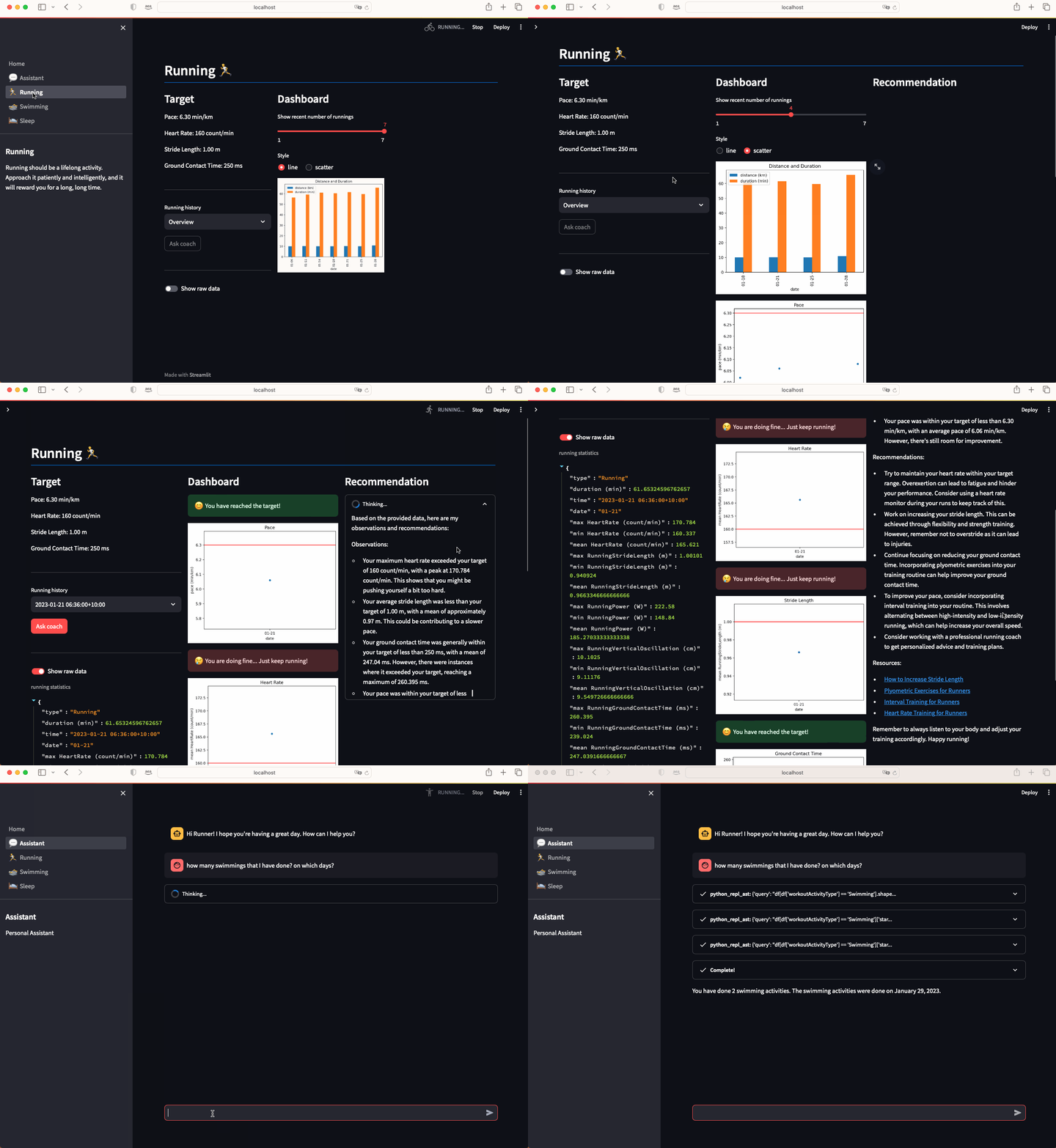
Run the command .venv/bin/streamlit run src/Home.py to start the application, then you should be able to see something like below:
(.venv) ➜  PHC git:(main) .venv/bin/streamlit run src/Home.py

  You can now view your Streamlit app in your browser.

  Local URL: http://localhost:8501
 Jackie Chen's IT Workshop