
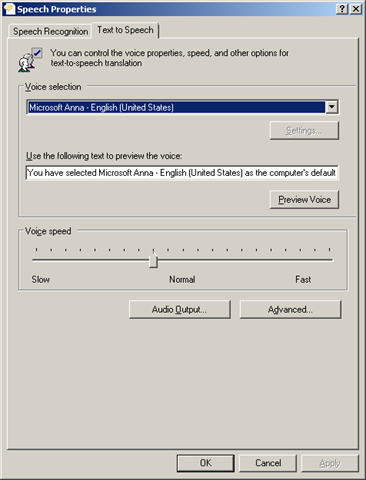
PowerShell is able to utilize the ‘Text to Speech’ function in the Windows operating system. You can check the voice settings in ‘Control Panel\All Control Panel Items\Speech Recognition’
$results = Get-Content C:\results.txt
Add-Type -AssemblyName System.Speech
$synthesizer = New-Object -TypeName System.Speech.Synthesis.SpeechSynthesizer
# This line converts the text to speech
$synthesizer.Speak($results)
# This line lists the installed voice information
$synthesizer.GetInstalledVoices() | ForEach-Object { $_.VoiceInfo }
 Jackie Chen's IT Workshop