
If you are migrating Amazon S3 Tables from IAM-only access control to AWS Lake Formation grants or setting up Lake Formation grant , there is a copy-paste trap waiting for you in the official runbook. The CLI example in Step 3 of Enable Lake Formation with S3 Tables integration with Data Catalog cannot succeed as written. Run it and Lake Formation rejects it outright.
What the documentation tells you to run
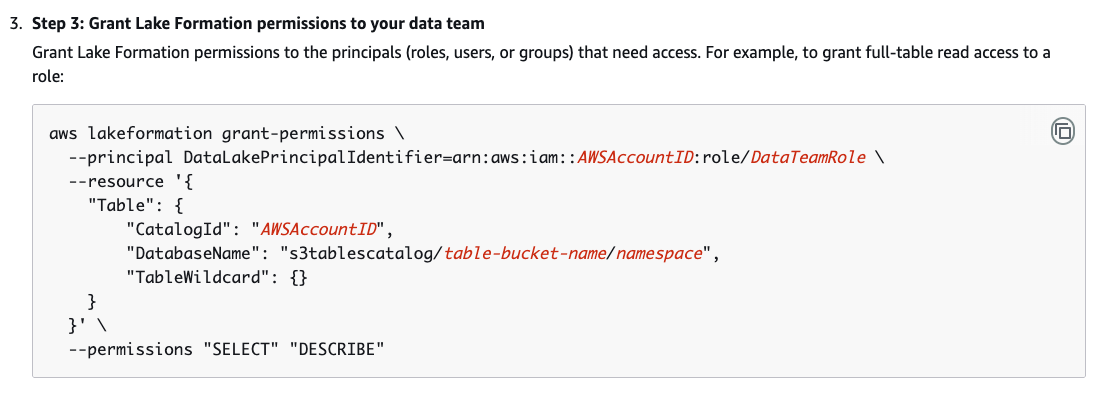
Step 3, “Grant Lake Formation permissions to your data team”, gives this example for granting full-table read access to a role:
What actually happens
Substitute your own account ID, table bucket and namespace, and the command fails:
aws: [ERROR]: An error occurred (InvalidInputException) when calling the GrantPermissions operation: Database not found.
The error is accurate, even if it is not very helpful. There genuinely is no database by that name – because the whole path has been pushed into the wrong field.
Why it fails: S3 Tables does not live in the default catalog
The example assumes the flat, single-catalog shape that most Lake Formation examples use: CatalogId is your 12-digit account ID, and DatabaseName is a database inside it. S3 Tables does not work that way.
When you integrate S3 Tables with the Glue Data Catalog, AWS Glue creates a federated catalog named s3tablescatalog in your account’s default catalog for that Region, and each table bucket becomes a nested catalog beneath it. The Lake Formation guide describes the mapping itself on the integration overview page:
Amazon S3 table buckets become a multi-level catalog in the Data Catalog. The associated Amazon S3 namespace is registered as a database in the Data Catalog. The Amazon S3 tables in the table bucket becomes tables in the Data Catalog.
So the three levels map like this:
- Catalog –
<account-id>:s3tablescatalog/<table-bucket-name> - Database – the S3 Tables namespace
- Table – the S3 table name (or
TableWildcardfor all of them)
The documented example collapses the catalog and the database into one string. s3tablescatalog/table-bucket-name/namespace is a catalog path with a database name glued onto the end, handed to Lake Formation as if it were a database name – while CatalogId points at the default catalog, where no such database exists. Hence “Database not found”.
The syntax that works
Move the catalog path into CatalogId and leave only the namespace in DatabaseName:
aws lakeformation grant-permissions \ --principal DataLakePrincipalIdentifier=arn:aws:iam::AWSAccountID:role/DataTeamRole \ --resource '{ "Table": { "CatalogId": "AWSAccountID:s3tablescatalog/table-bucket-name", "DatabaseName": "namespace", "TableWildcard": {} } }' \ --permissions "SELECT" "DESCRIBE"
I have submitted this through the feedback form on the page itself, with the failing example, the cause, and the corrected syntax:
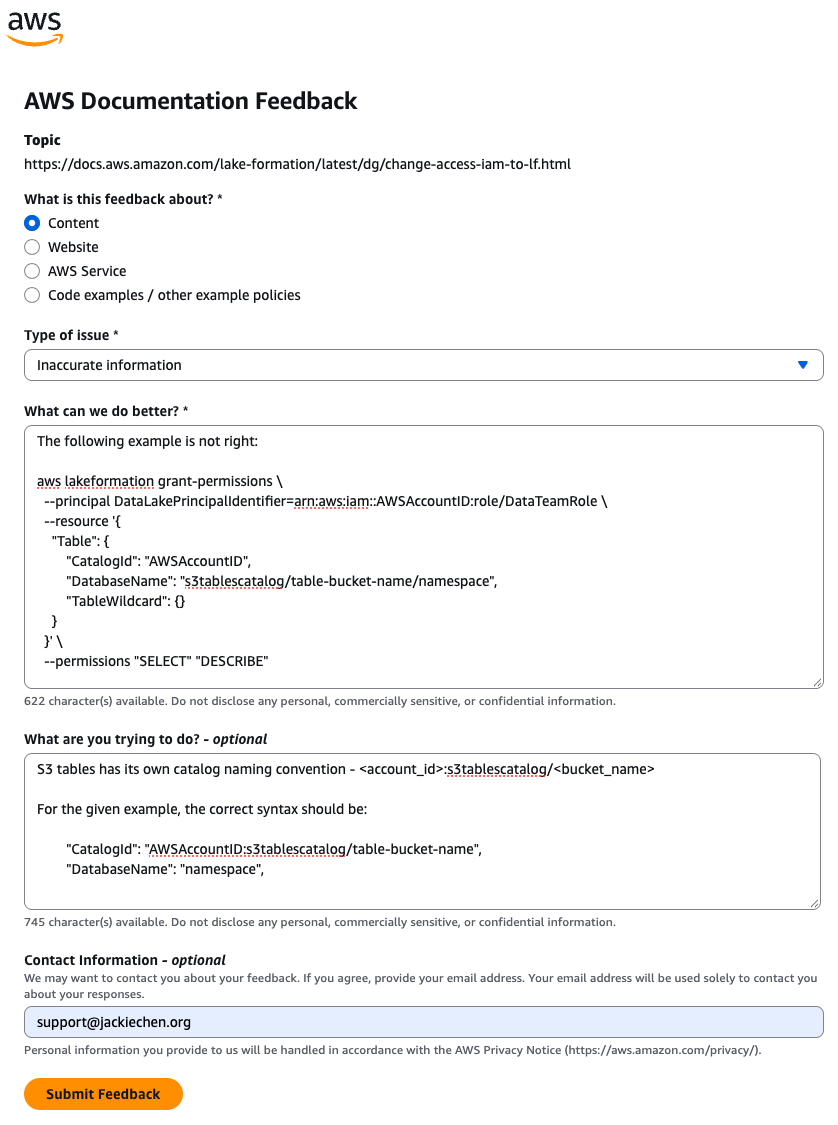
grant-permissions example puts the S3 Tables catalog path in DatabaseName instead of CatalogId.Hopefully it lands in a doc update soon. Until then, treat Step 3 as illustrative rather than runnable, and take the Granting permissions page as the authoritative example.

