
Loads of new announcements were made in the last couple days in re:Invent 2023. Since I am particularly interested in the GenAI space, I shared those updates with my team and customers in the format of a Christmas menu 🙂
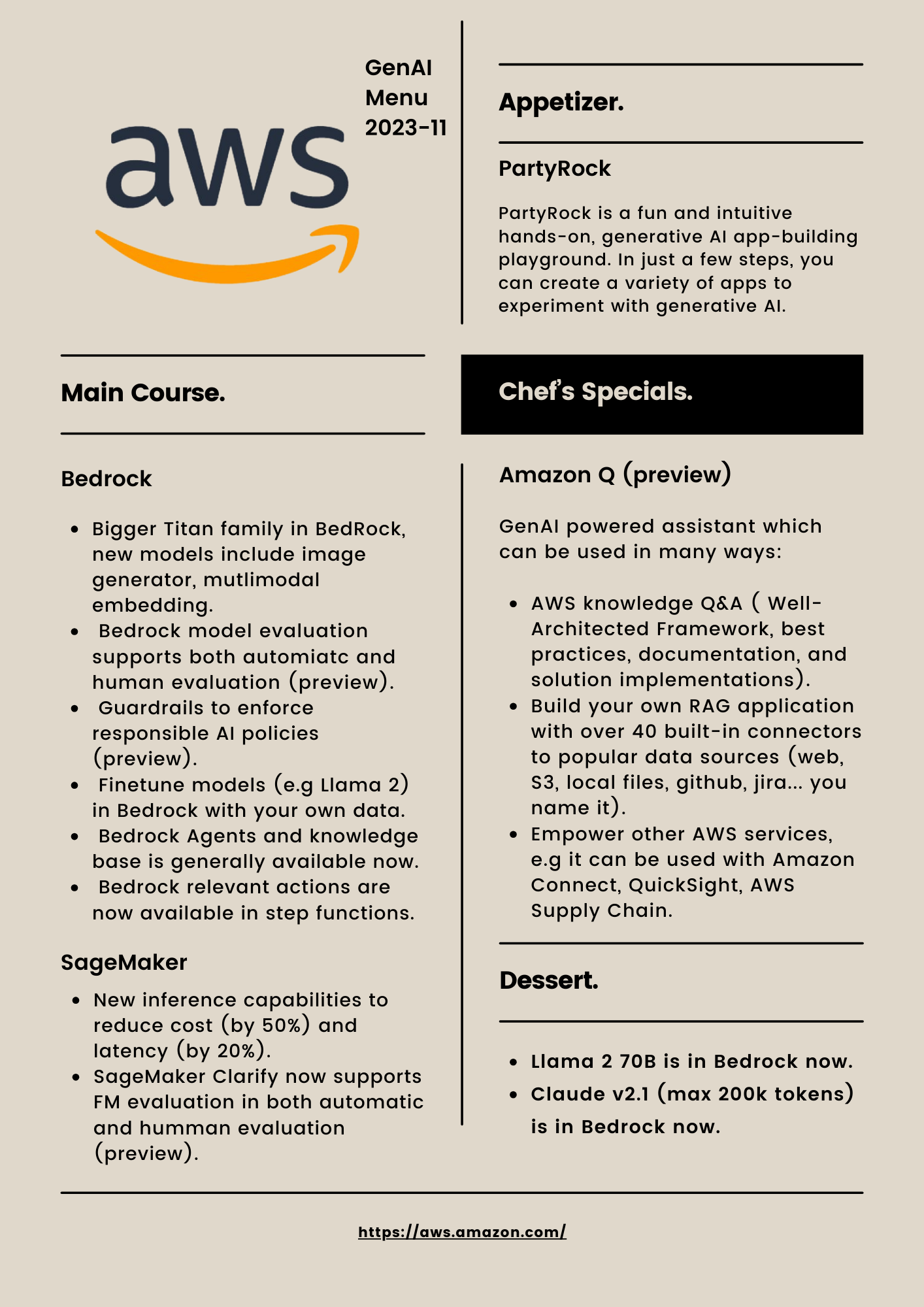
Personally, the Chef’s Special (Amazon Q) is my favourite. In one sentence, it is a generative AI–powered assistant designed for work that can be tailored to your business. As always, a demo is worth thousand of words.
If you are still reading, I will show you how I built the tax assistant within 10 minutes in Amazon Q.
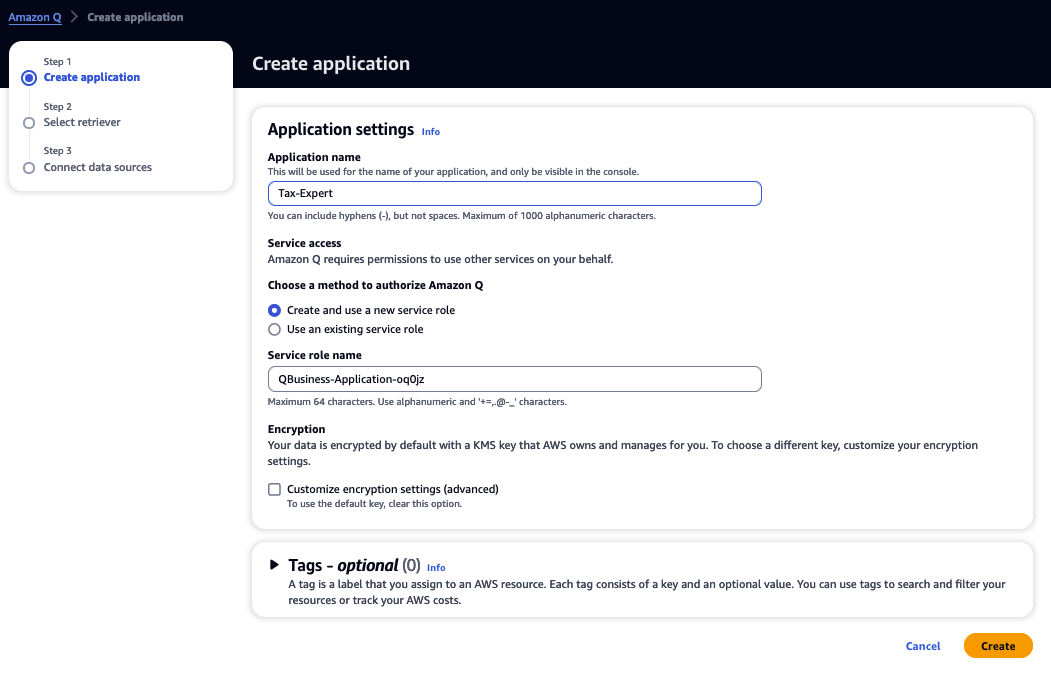
Go to Amazon Q in AWS console, then choose create applications. In the demo, I name it as “Tax-Expert”, then click “Create”.
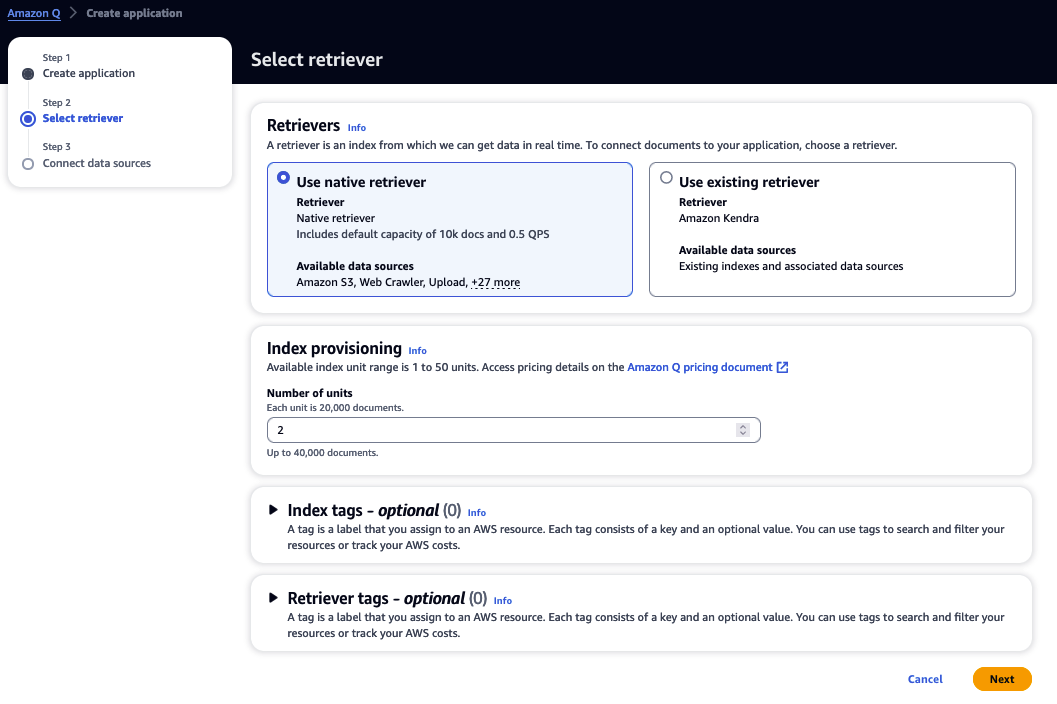
Just leave the default settings, “Use native retriever” and “2” as number of unit, then click “Next”.
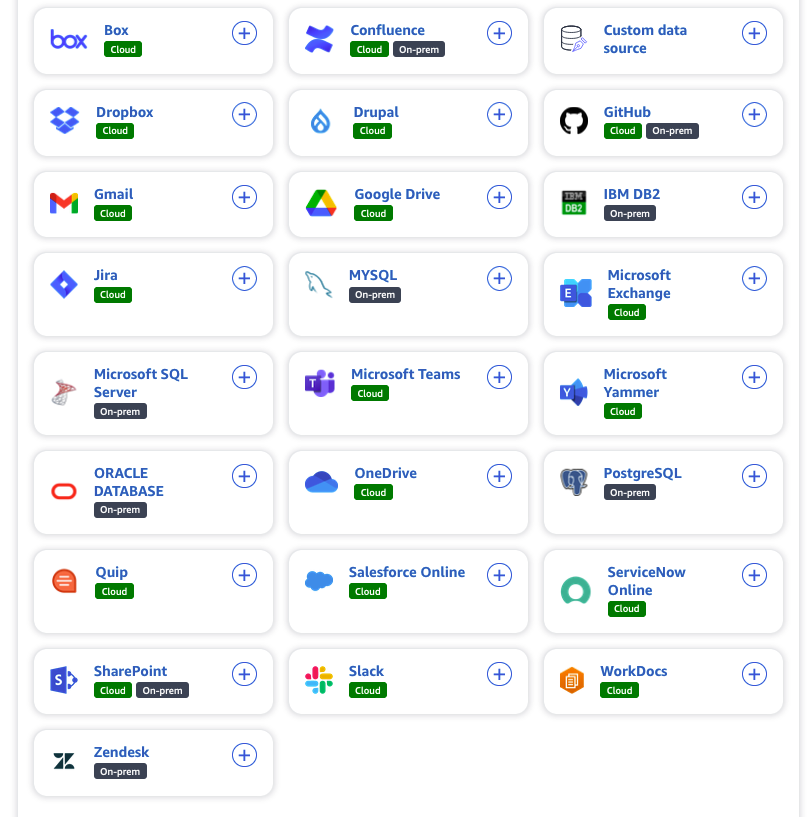
Choose the data connector to your data. In the demo, I will upload files from my laptop. So I just click next, as you only update file once the retriever is created.
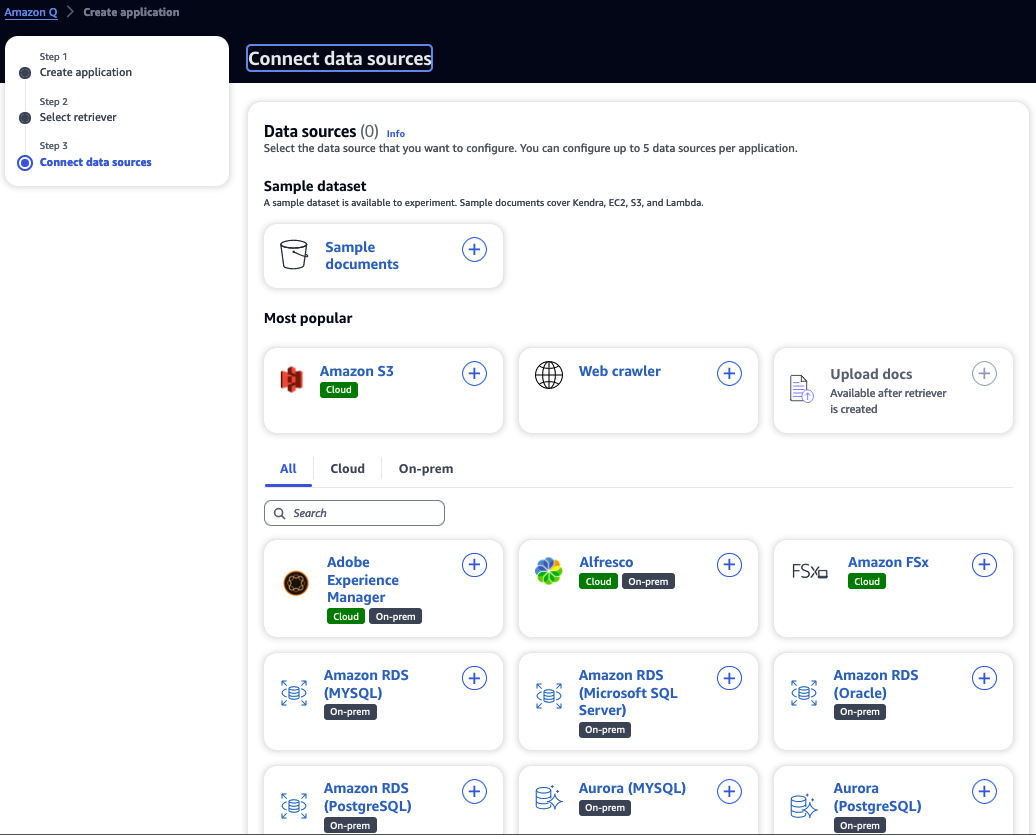
It supports ~40 data connectors:
Now the application has been built!
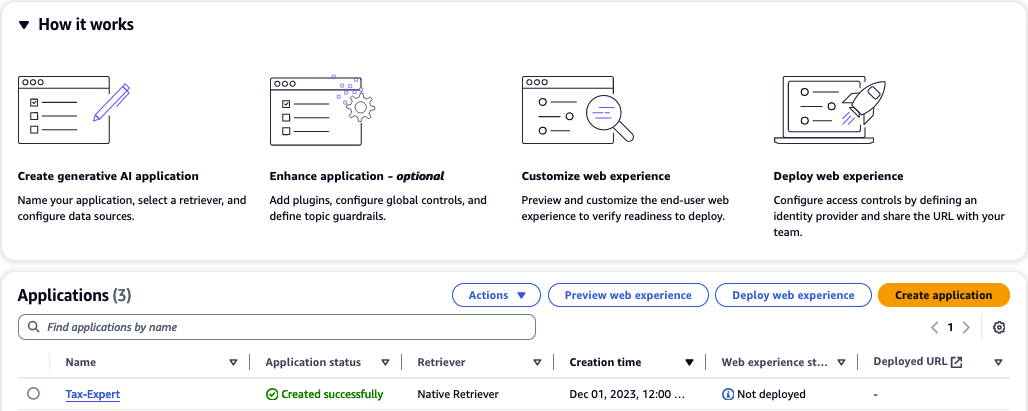
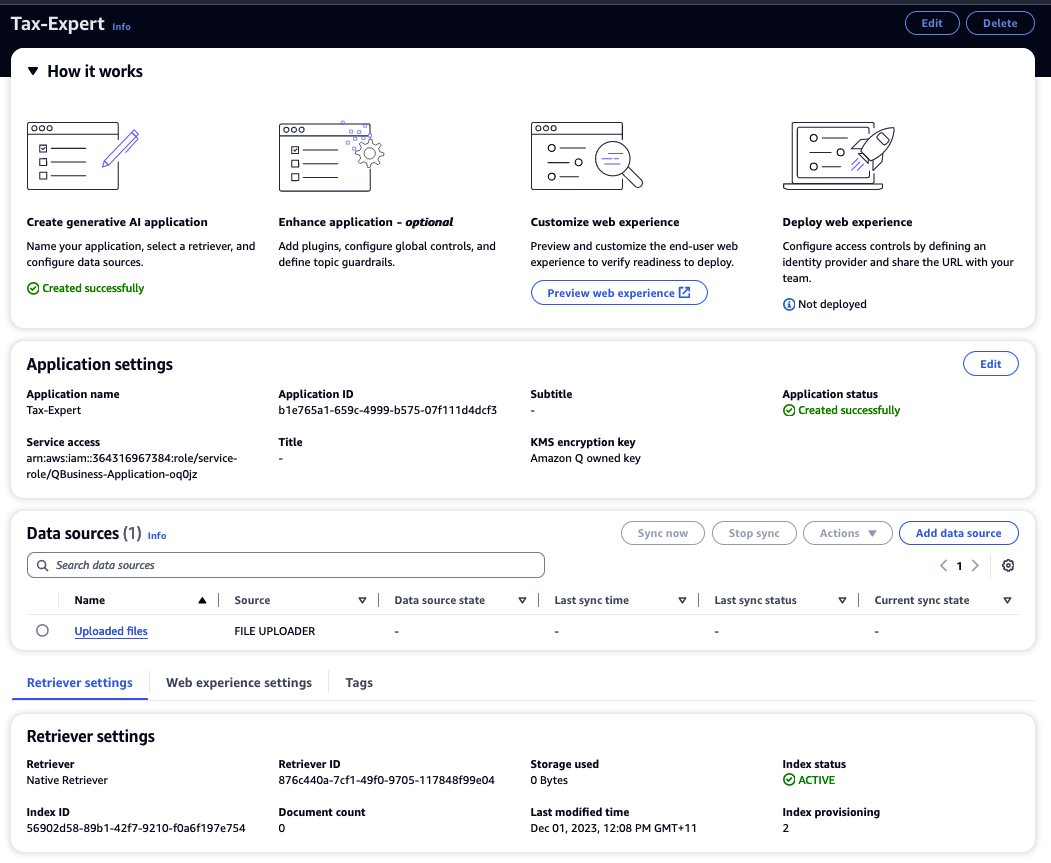
Click the “Tax-Expert”, and wait for the “Index status” become “ACTIVE”, which takes a couple of minutes.
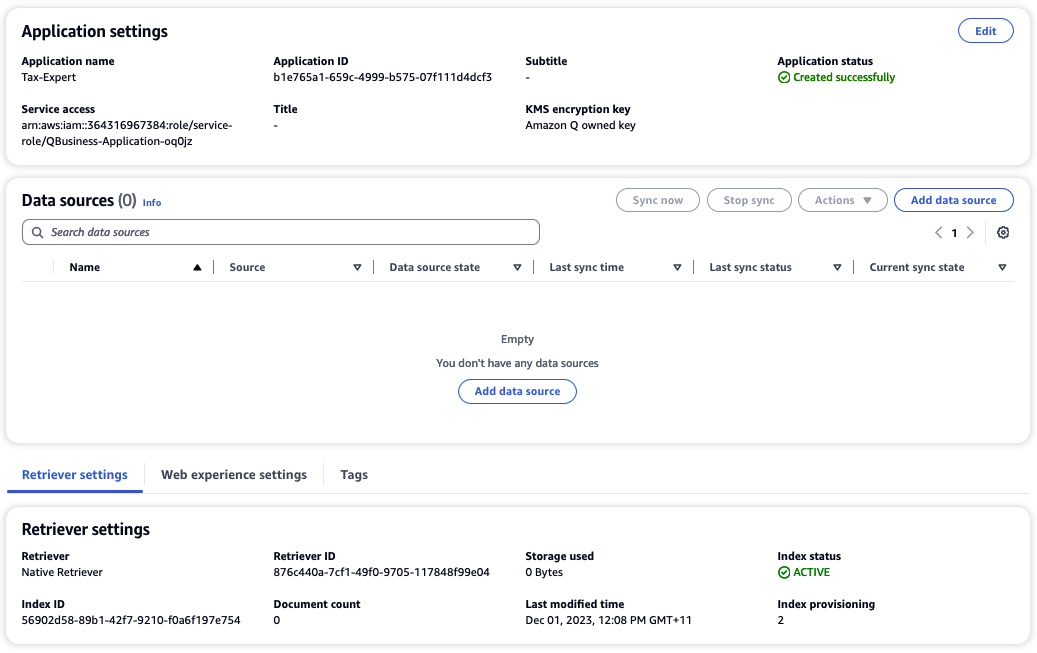
Now it is time to ingest some data. In the demo, I uploaded the Australia Individual Tax Return Instruction for 2022 and 2023 (size: ~17Mb, ~100 pages each).
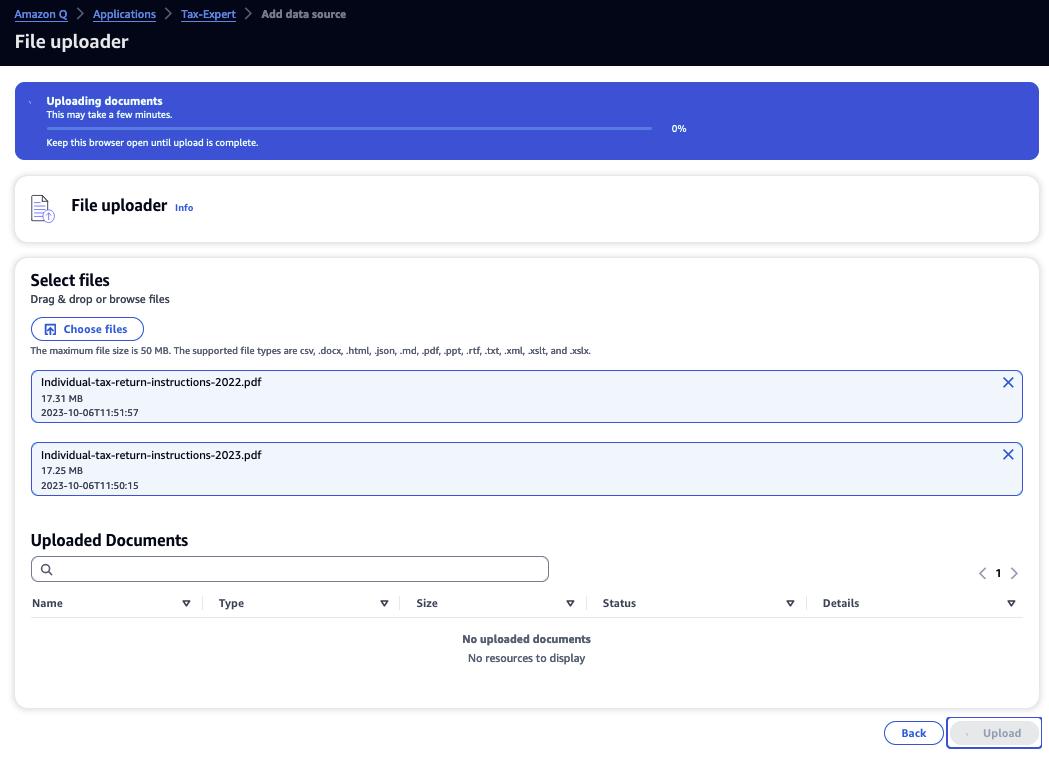
It was pretty quick. By now the application is ready to be used! Also it is a good idea to do a bit customisation.
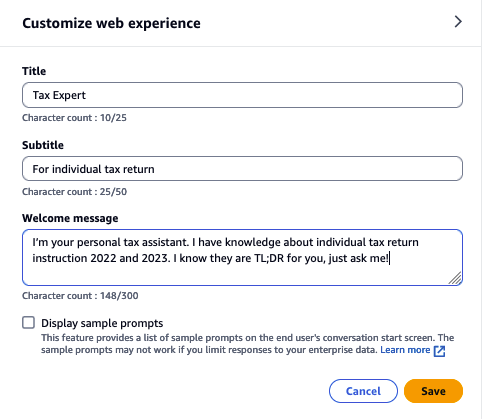
The nice thing is that you can test and verify the application by clicking “Preview web experience” before deploying it .
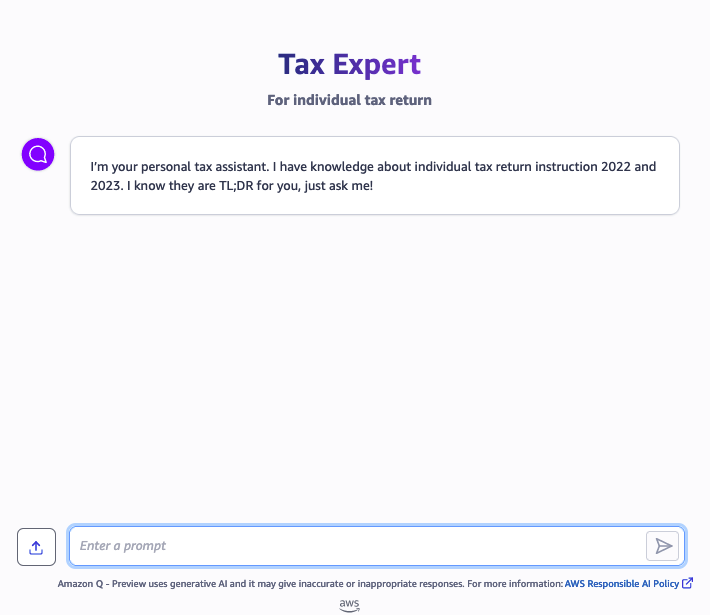
Here we go! Your Tax Expert is ready to answer questions.
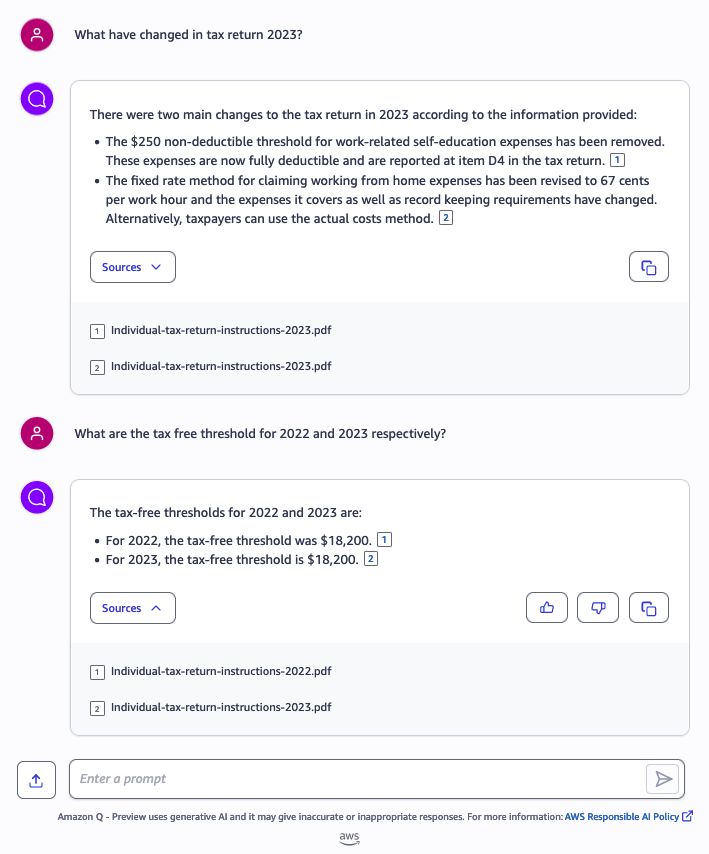
Time to test it. It not only answered the questions, but also gave the reference document. Another nice thing is that you can upload files in the chatbox (see the up arrow next to “Enter a prompt”?), so it can provide more context to the chat.
 Jackie Chen's IT Workshop