To use Hyper-V in HP EliteBook 8560W, besides ‘Virtual Technology‘ you also need to enable ‘Data Execution Prevention‘ in BIOS, otherwise you will see the following error when you try to start the virtual machine.
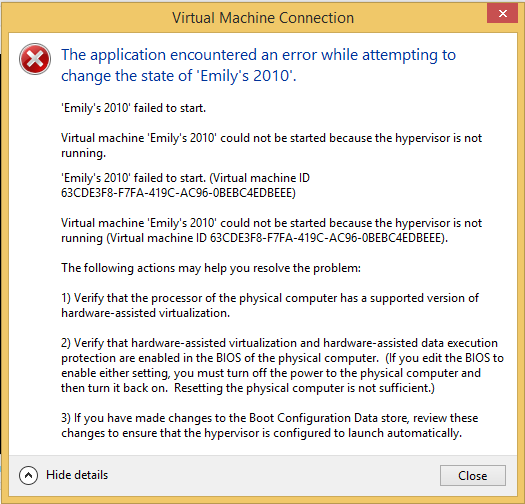

To use Hyper-V in HP EliteBook 8560W, besides ‘Virtual Technology‘ you also need to enable ‘Data Execution Prevention‘ in BIOS, otherwise you will see the following error when you try to start the virtual machine.

 Jackie Chen's IT Workshop