
Simple version: If you follow AWS guide Setting the Time for Your Linux Instance to use /etc/sysconfig/clock to configure the timezone in Amazon Linux 2, you may not be able to find it after a yum update. So the suggested way to adjust time is to use timedatectl. For example: sudo timedatectl set-timezone Australia/Sydney Detailed … Continue reading /etc/sysconfig/clock is removed after yum update in Amazon Linux 2
Author: Jackie Chen
Migrate Confluence Data to AWS
Continue with my previous blog Customised Quick Start of Confluence Data Center on AWS. Now I have both my on-premise Confluence and AWS Confluence up and running. The next step is to migrate all existing data into AWS. Due to the large size of data, the migration should be an on-going process till the final … Continue reading Migrate Confluence Data to AWS
Refresh failure com.atlassian.jira.plugin.devstatus.provider.DataProviderRefreshFailure: Data Provider refresh failed with error code 400 and message – HTTP status 400
Have you seen this error in your Jira log? If so, then you are in the right place to solve it 🙂 2019-10-10 02:03:34,970 Caesium-1-4 ERROR ServiceRunner [c.a.j.p.devstatus.provider.DefaultDevSummaryPollService] Refresh failurecom.atlassian.jira.plugin.devstatus.provider.DataProviderRefreshFailure: Data Provider refresh failed with error code 400 and message - HTTP status 400 ] at com.atlassian.jira.plugin.devstatus.provider.DefaultCachingProviderHelper.refreshProvider(DefaultCachingProviderHelper.java:79) at com.atlassian.jira.plugin.devstatus.provider.DefaultDevSummaryPollService.handlePollingSuccess(DefaultDevSummaryPollService.java:69) at com.atlassian.jira.plugin.devstatus.provider.DefaultDevSummaryPollService.lambda$performPull$1(DefaultDevSummaryPollService.java:51) at com.atlassian.jira.plugin.devstatus.provider.source.applink.PollResult$PollResultSuccess.fold(PollResult.java:51) at com.atlassian.jira.plugin.devstatus.provider.DefaultDevSummaryPollService.performPull(DefaultDevSummaryPollService.java:47) … Continue reading Refresh failure com.atlassian.jira.plugin.devstatus.provider.DataProviderRefreshFailure: Data Provider refresh failed with error code 400 and message – HTTP status 400
Share encrypted AMI across AWS accounts
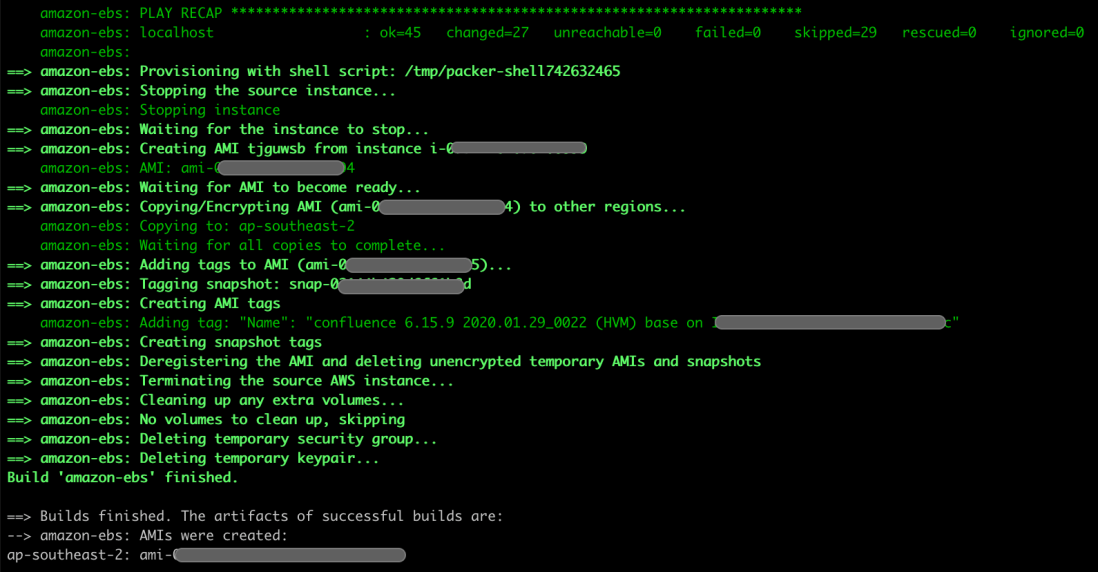
AWS has made sharing encrypted AMI cross accounts a bit easier now, check this out - https://aws.amazon.com/about-aws/whats-new/2019/05/share-encrypted-amis-across-accounts-to-launch-instances-in-a-single-step/ Here is a sample of how to share encrypted AMI across accounts and launch an instance from it: https://aws.amazon.com/blogs/security/how-to-share-encrypted-amis-across-accounts-to-launch-encrypted-ec2-instances/ If you need to run autoscaling group from the encrypted AMI, it requires a few extra steps. Mostly it … Continue reading Share encrypted AMI across AWS accounts
Manage Private CA file in Python
The private CA signed certificate can cause SSL error in Python if the it is not trusted. How to manage it? Well, it really depends on the Python module that you use. I will give a few examples that I have seen so far. pip Pip is the popular python package manage tool. To check … Continue reading Manage Private CA file in Python

